Create a QR Code for Giving
Print a QR code for flyers, table tents and screens. Scanning it opens your campaign on the donor's phone.
A QR Code lets people give from something printed or on a screen: a flyer on the masjid noticeboard, a table tent at your iftar dinner, or a slide after Jumu'ah. Scanning it opens your campaign on the donor's phone. You don't need a website or the embed code.
Create the QR code
In your dashboard, go to Sites → Elements and click New element. Give it a name your team will recognize, such as "Noticeboard flyer", choose QR Code as the type and click Create element.
Choose where gifts go
On the Behavior tab, choose the campaign under Content. Under Opens in, Checkout Modal opens your campaign's page with the checkout already open, ready for a gift. Hosted Page opens the page itself.
Use Prefill to choose the frequency or amount the checkout opens with. Donors can still change it.
Style it
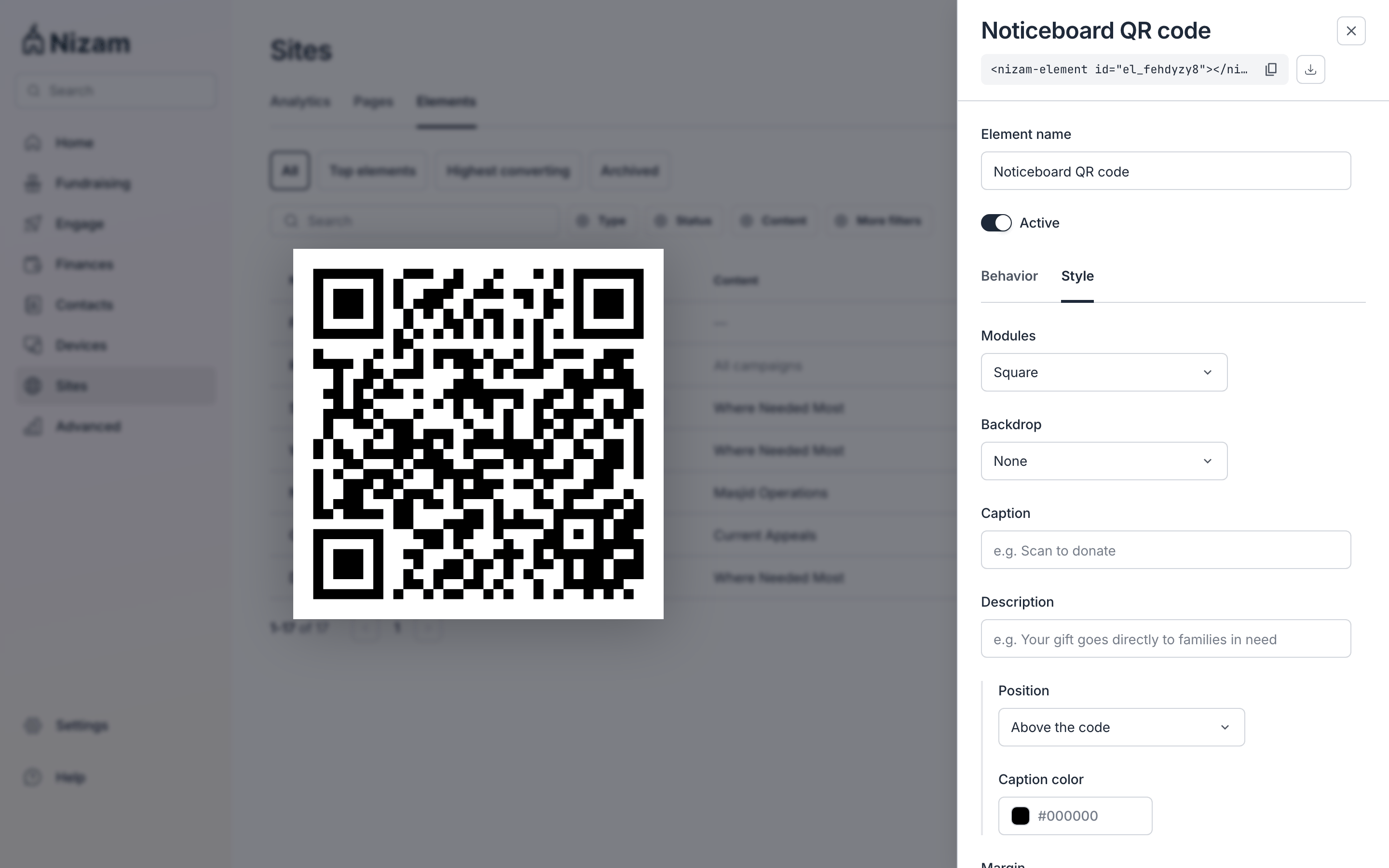
On the Style tab, choose square or dotted modules, a backdrop, and a logo in the center: your organization's favicon or an image you upload. Add a caption such as "Scan to donate", and a description, and choose where they sit around the code.
Download and print
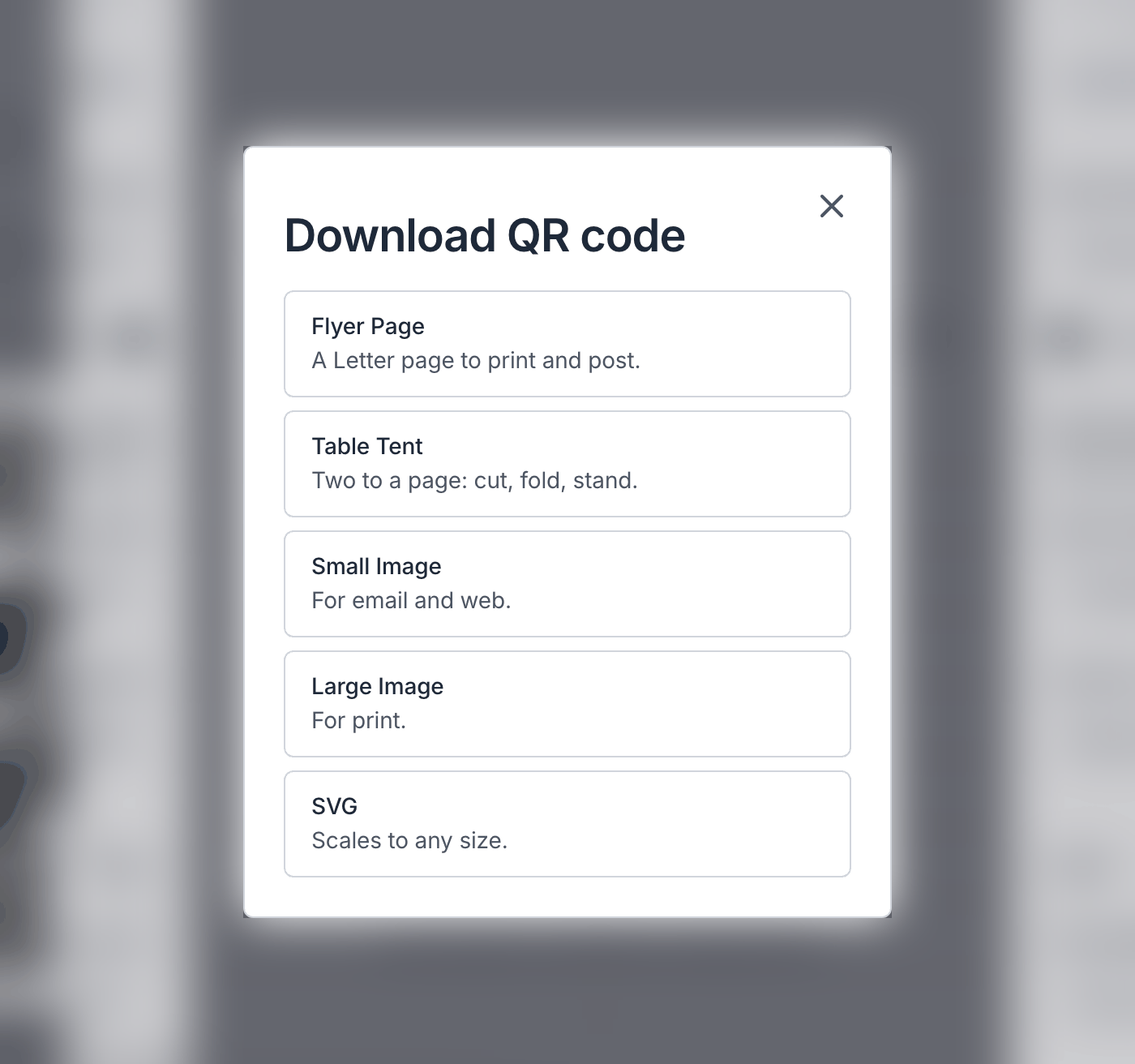
Click the download button next to the element's name and choose a format:
| Download | Best for |
|---|---|
| Flyer Page | A Letter page to print and post |
| Table Tent | Two to a page: cut, fold and stand |
| Small Image | Email and the web |
| Large Image | |
| SVG | Any size, for designers and print shops |
Before you print copies, scan the code with your phone to check it opens the right campaign.
Changing the Campaign Later, copy link to this section
A QR code points at the element, not the campaign. If you change its campaign later, every printed copy follows the change, so a flyer from Ramadan can point at your next appeal without reprinting.
To stop a QR code from taking gifts, switch off Active on the element. Switch it back on at any time.
Showing the Code on Your Website, copy link to this section
A QR code also has a tag, like a Donate button, if you'd like to show the code on your website as well. Copy it from under the element's name and paste it into the page. Your site needs the embed code for this.