Add a Sticky Donate Tab to Your Website
A Donate tab pinned to the edge of the screen, so giving is always within reach.
A Sticky Button is a Donate tab pinned to the right, left or bottom edge of the screen. It stays in place as visitors scroll, so giving is always one click away, on every page you choose. You don't paste anything into your pages: Nizam places the tab for you.
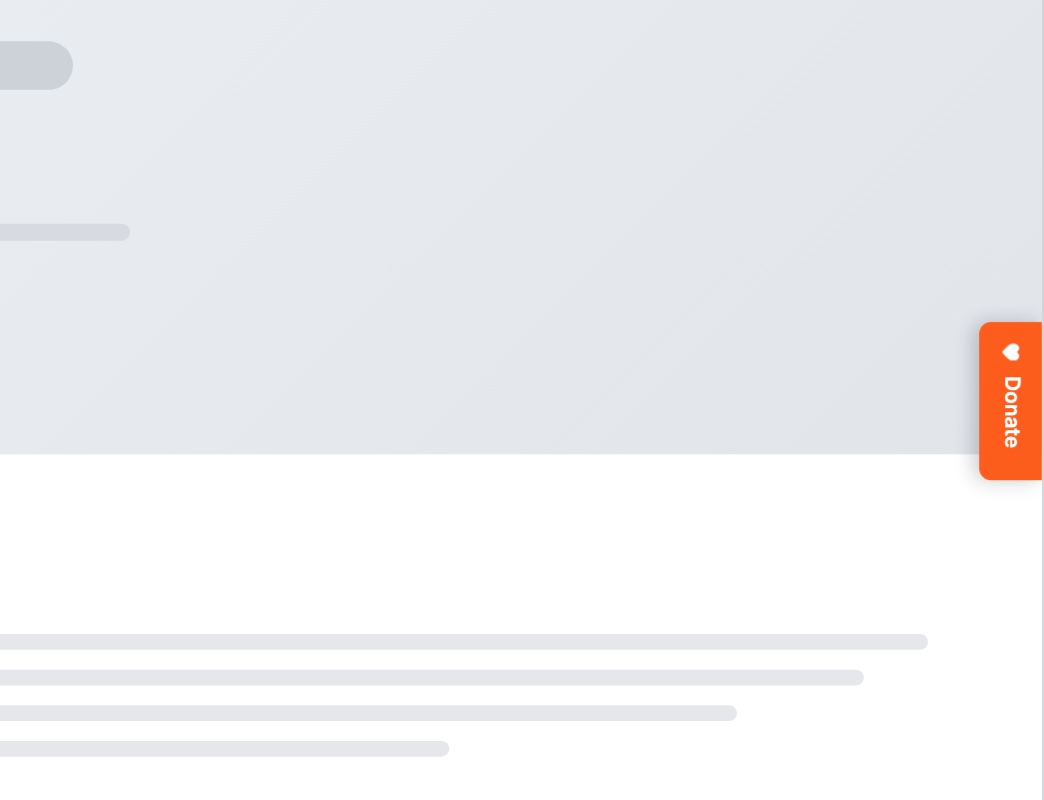
Adding one takes four steps. The embed code in step 3 only needs to go on your site once, so skip that step if it's already there.
Create the sticky button
In your dashboard, go to Sites → Elements and click New element. Give it a name your team will recognize, choose Sticky Button as the type and click Create element.
Choose where gifts go and how it looks
On the Behavior tab, choose the Position: the right, left or bottom edge. Scroll offset sets how far down the page a visitor scrolls before the tab appears. Then choose Opens in, the campaign under Content, and any Prefill, just as for a Donate button.
On the Style tab, set the label, colors, icon and shape. Use Device above the tabs to preview it on desktop and mobile.
Add the embed code to your site
Copy the embed code from Settings → Website → Embed code and paste it into the header of every page. If you've added Nizam to your site before, it's already there. Install the embed code has the steps for WordPress, Squarespace, Google Tag Manager and other websites.
Choose where it appears
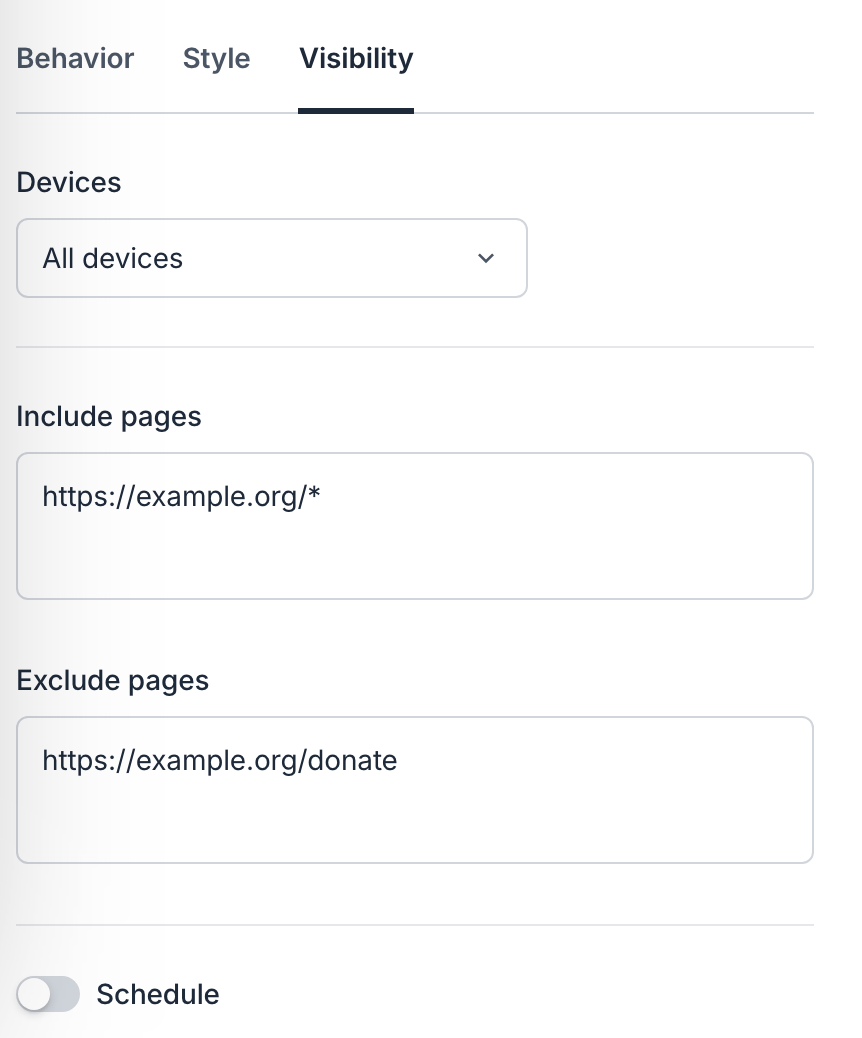
On the Visibility tab:
- Devices: all devices, mobile only, or desktop only.
- Include pages: one web address per line. End an address with
*to include every page under it, such ashttps://example.org/*for your whole site. - Exclude pages: pages where the tab shouldn't appear, such as your donate page.
- Schedule: a start date and an end date, for an appeal that runs for a set time.
Make sure Active is on, then open one of those pages in a private window. The tab appears on the edge you chose.
How It Behaves, copy link to this section
The tab steps aside while one of your other Donate buttons is on screen, so donors never see two at once. To stop showing it, switch off Active.